Setup base configuration for KPOP campaign
In the Loyalty Admin module, setup the master items that will be used in the campaign.
- Participation KPOP voucher
- Participation KPOP badge
- K-POP Ticket reward
- KPOP point type
After setting up the point type and the badge then use the AI rewards engine to generate the K-POP ticket reward with a single prompt.
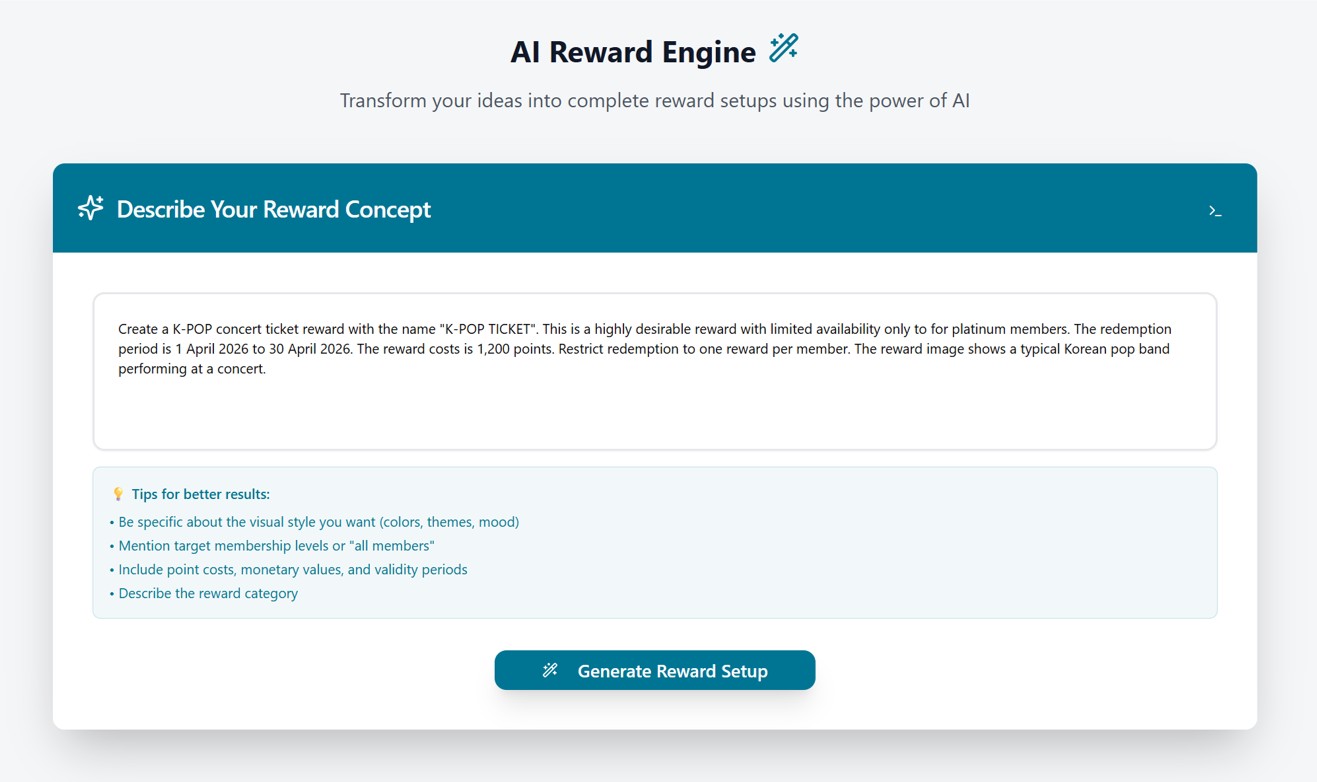
Change the AI generated image to the approved K-POP group image.

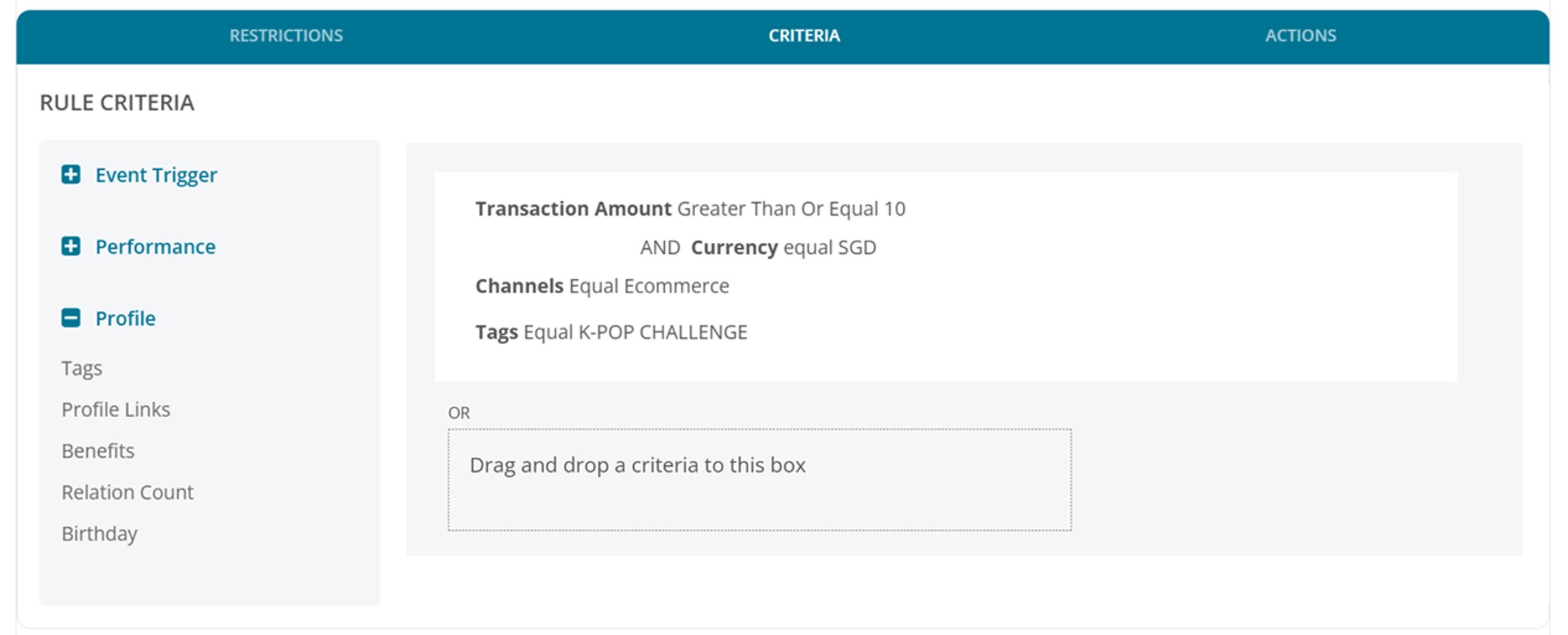
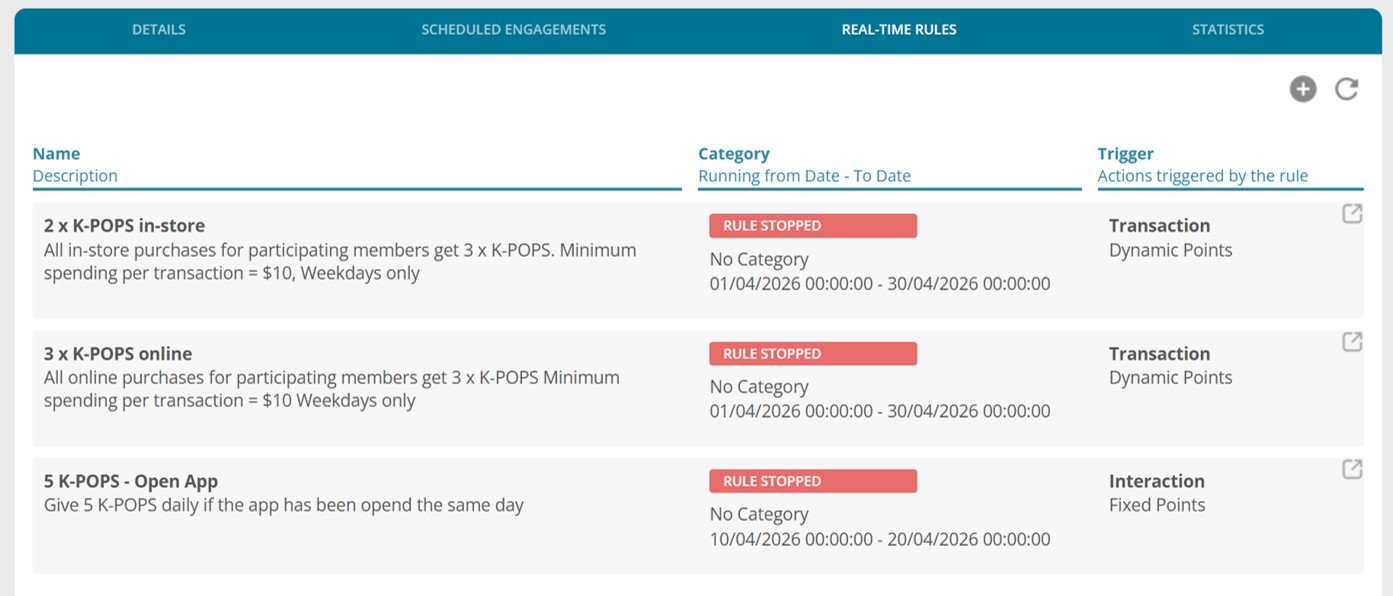
Create a participation voucher that auto issue the participation badge when redeemed – The K-POP point rules will be limited to members that have chosen to participate and have the badge. Set campaign participation voucher redemption to start 45 days before the campaign period starts
The badge will show in the mobile app home page for members to keep in mind that they are participating in the challenge.